This is what I made during the first week!
The two uploaded images (featured and background) show up in the preview but they will not be on the site in the main article unless you manually add them there by using the + icon to add images.
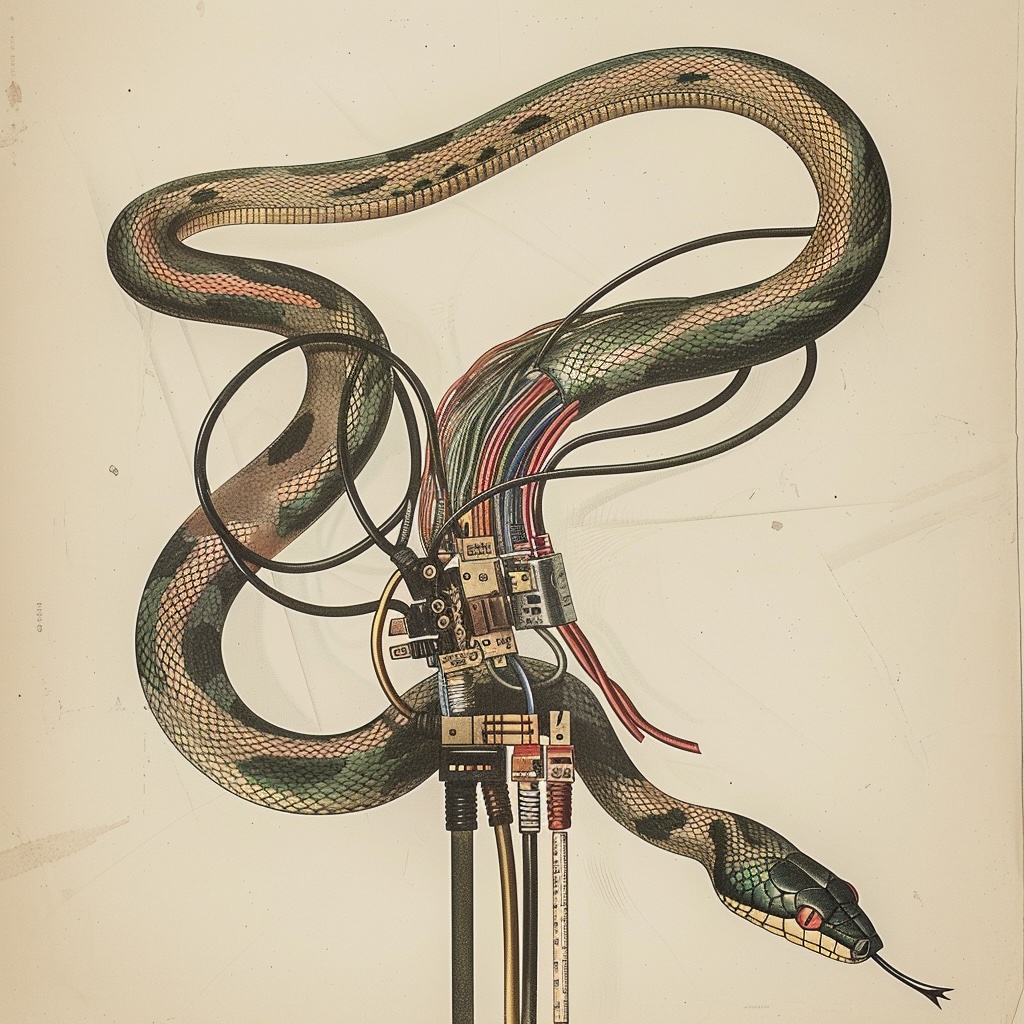
Add your code by clicking the + icon and then choose “Code Block”. You can then add your code formatted in the proper way.
void setup(){

}

void loop(){

}
Solutions and Issues #
Some of the problems I noticed in the solutions created by the students:
- Using digitalRead() on a pin that has been defined as an OUTPUT