Exercise: #
- Connect two LEDs to your Arduino using a breadboard
- Connect one switch to your Arduino using a breadboard
- Read a momentary switch being pressed
- When the program starts, both LEDs are off
- When the switch is pressed once, the first LED turns on
- When the switch is pressed the second time, the second LED turns on (the first one should also still be on)
- When the switch is pressed the third time, both LEDs turn off
- Repeat this same cycle of LEDs turning on and off in sequence (off, one LED, two LEDs, off…)
My progress: #
I got to the point of turning the lights on and off, but in the wrong sequence. Going from both off, to both on, to one on and then looping again.
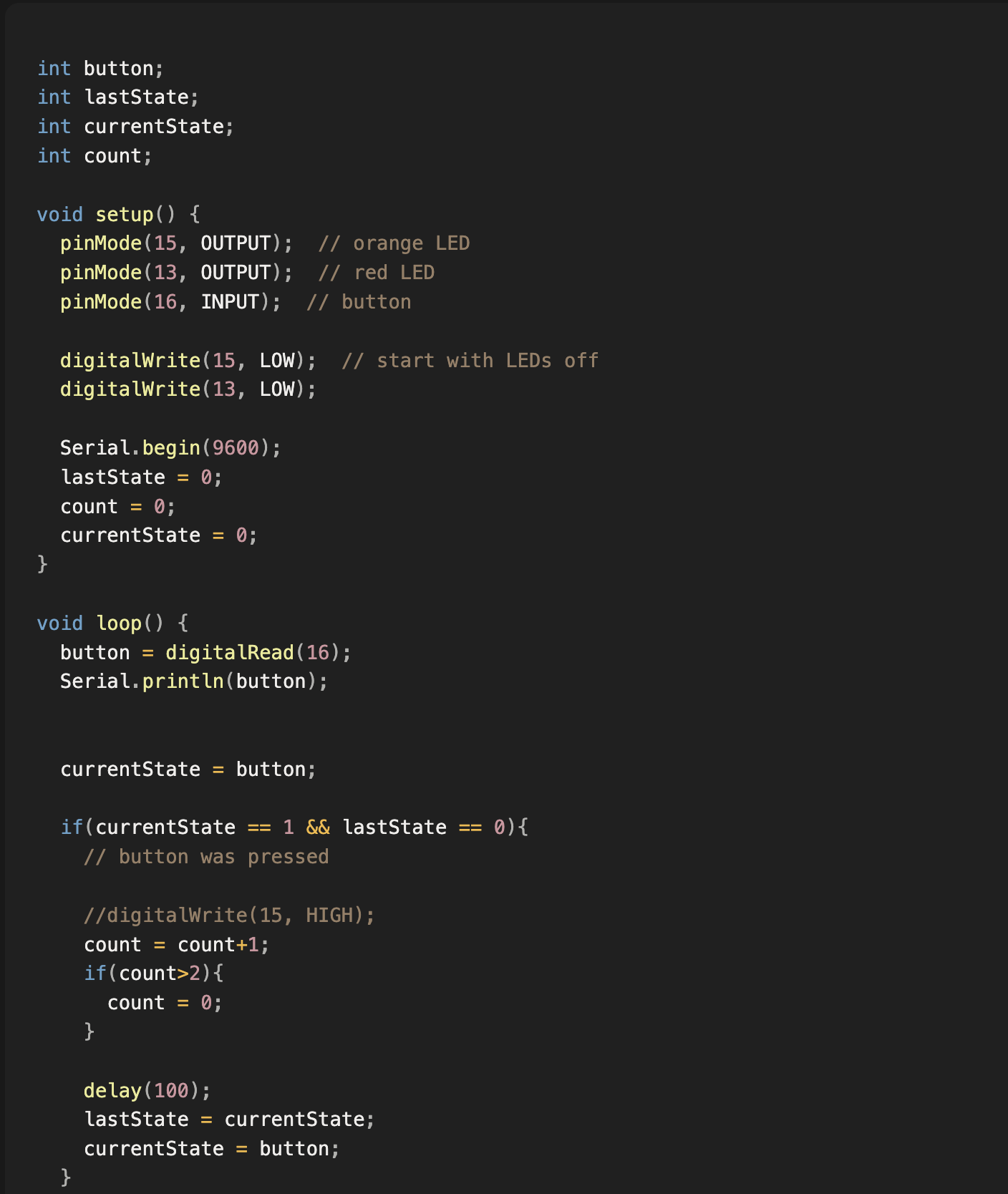
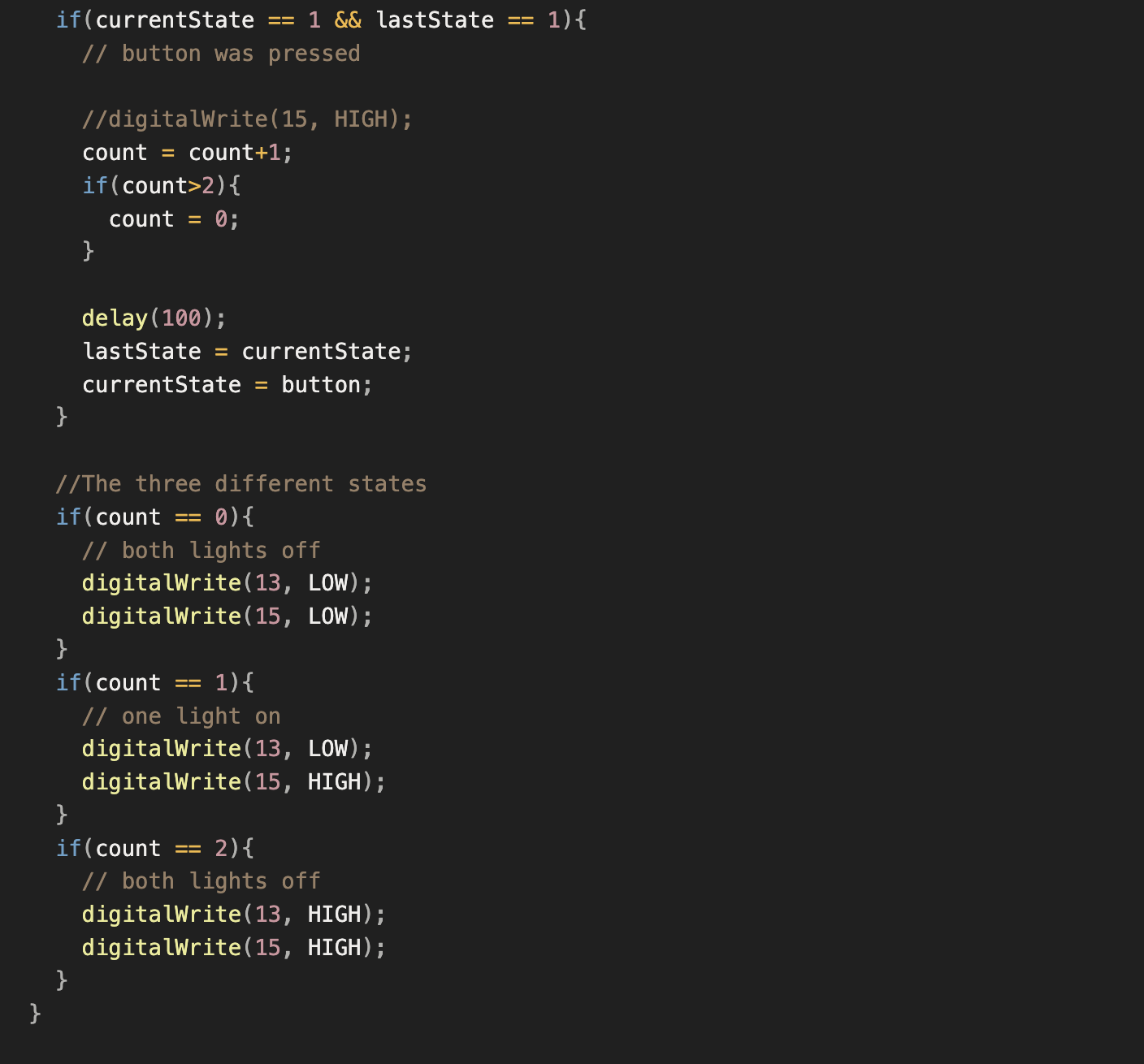
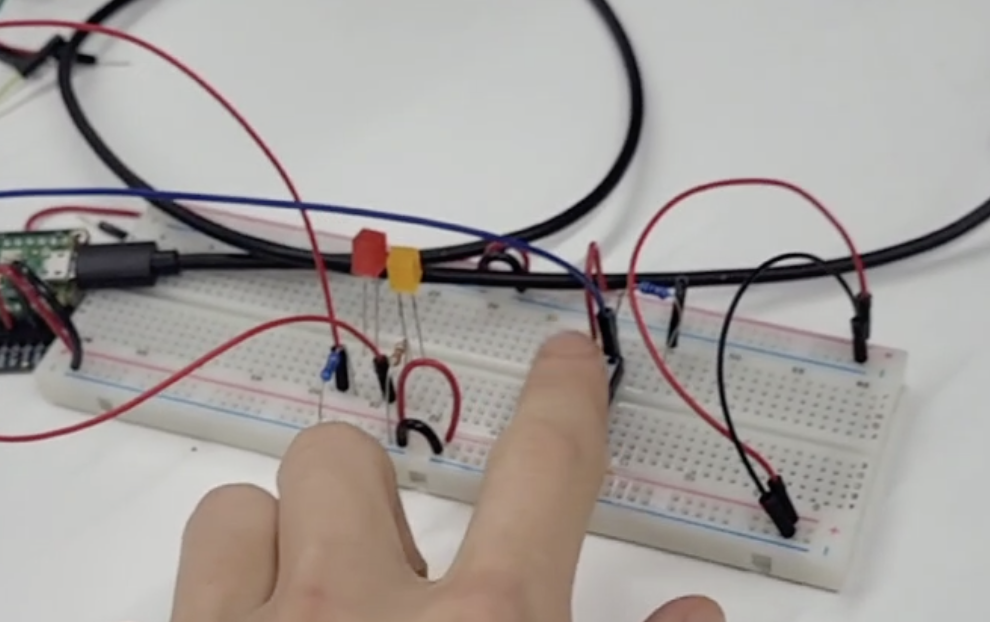
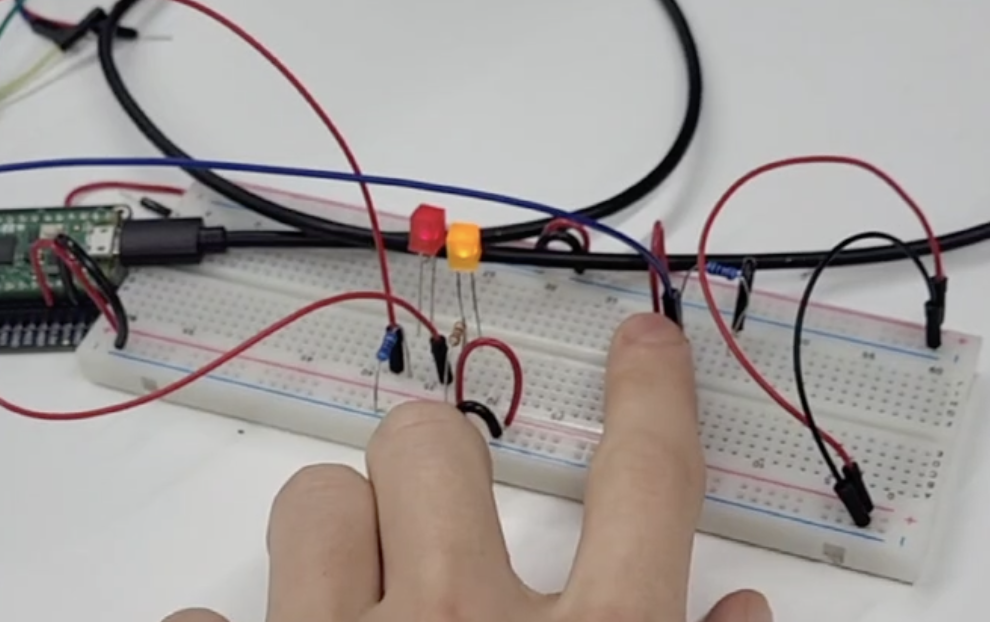
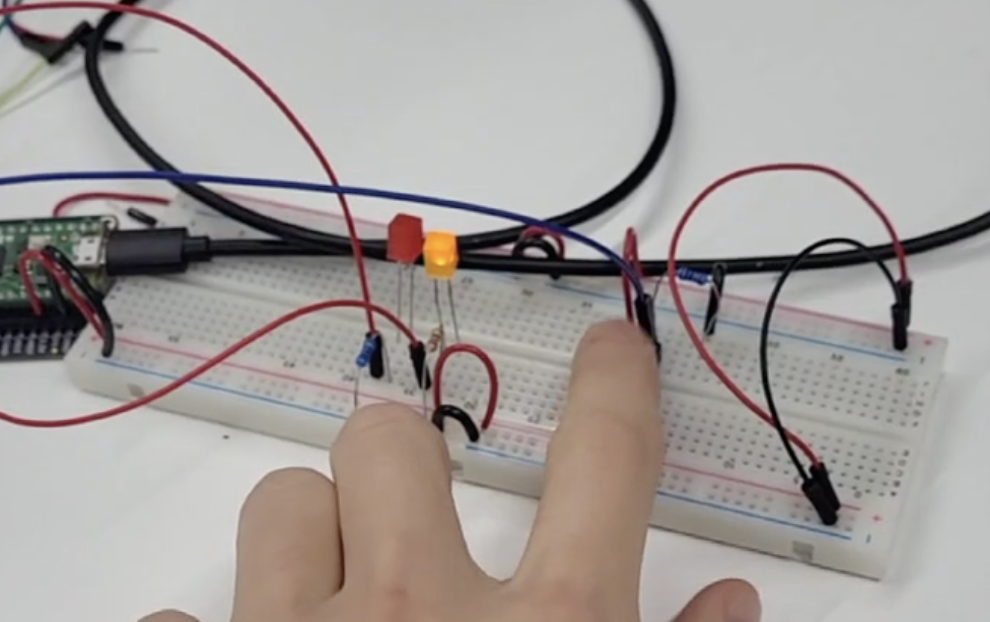
I had a LOT of trouble with figuring out how could I read the button press in a way that isn’t constantly changing my variables.
Fixed version: #
The problem was putting the //lastState = currentState; //currentState = button; in the if statement and having a second if statement.
Code: #
int button;
int lastState;
int currentState;
int count;

void setup() {
  pinMode(15, OUTPUT);  // orange LED
  pinMode(13, OUTPUT);  // red LED
  pinMode(16, INPUT);  // button

  digitalWrite(15, LOW);  // start with LEDs off
  digitalWrite(13, LOW);

  Serial.begin(9600);
  lastState = 0;
  count = 0;
  currentState = 0;
}

void loop() {
  button = digitalRead(16);
  Serial.println(button);


  currentState = button;

  if(currentState == 1 && lastState == 0){
    // button was pressed

    //digitalWrite(15, HIGH);
    count = count+1;
    if(count>2){
      count = 0;
    }

    //lastState = currentState;
    //currentState = button;
  }
  lastState = currentState;

  //The three different states
  if(count == 0){
    // both lights off
    digitalWrite(13, LOW);
    digitalWrite(15, LOW);
  }
  if(count == 1){
    // one light on
    digitalWrite(13, LOW);
    digitalWrite(15, HIGH);
  }
  if(count == 2){
    // both lights off
    digitalWrite(13, HIGH);
    digitalWrite(15, HIGH);
  }
  delay(120); //delay for lazily debouncing the button
}